


Sales pipeline template
Keep all your sales opportunities in one place, from the first contact to the final deal. Stay organized, follow up with customers on time, and make more accurate forecasts.
Sign up to use this template.
Sales pipeline template
Keep all your sales opportunities in one place, from the first contact to the final deal. Stay organized, follow up with customers on time, and make more accurate forecasts.
Use templateSign up to use this template.
INTEGRATED FEATURES
Recommended apps



Summary
A strong sales pipeline helps your team see every opportunity, from the first contact to the final deal. Without a way to track everything, follow-ups can slip through the cracks and forecasting becomes uncertain. In this article, you'll find out what a sales pipeline template is, which key stages to include, and how to use Asana to keep your team organized and your opportunities moving ahead.
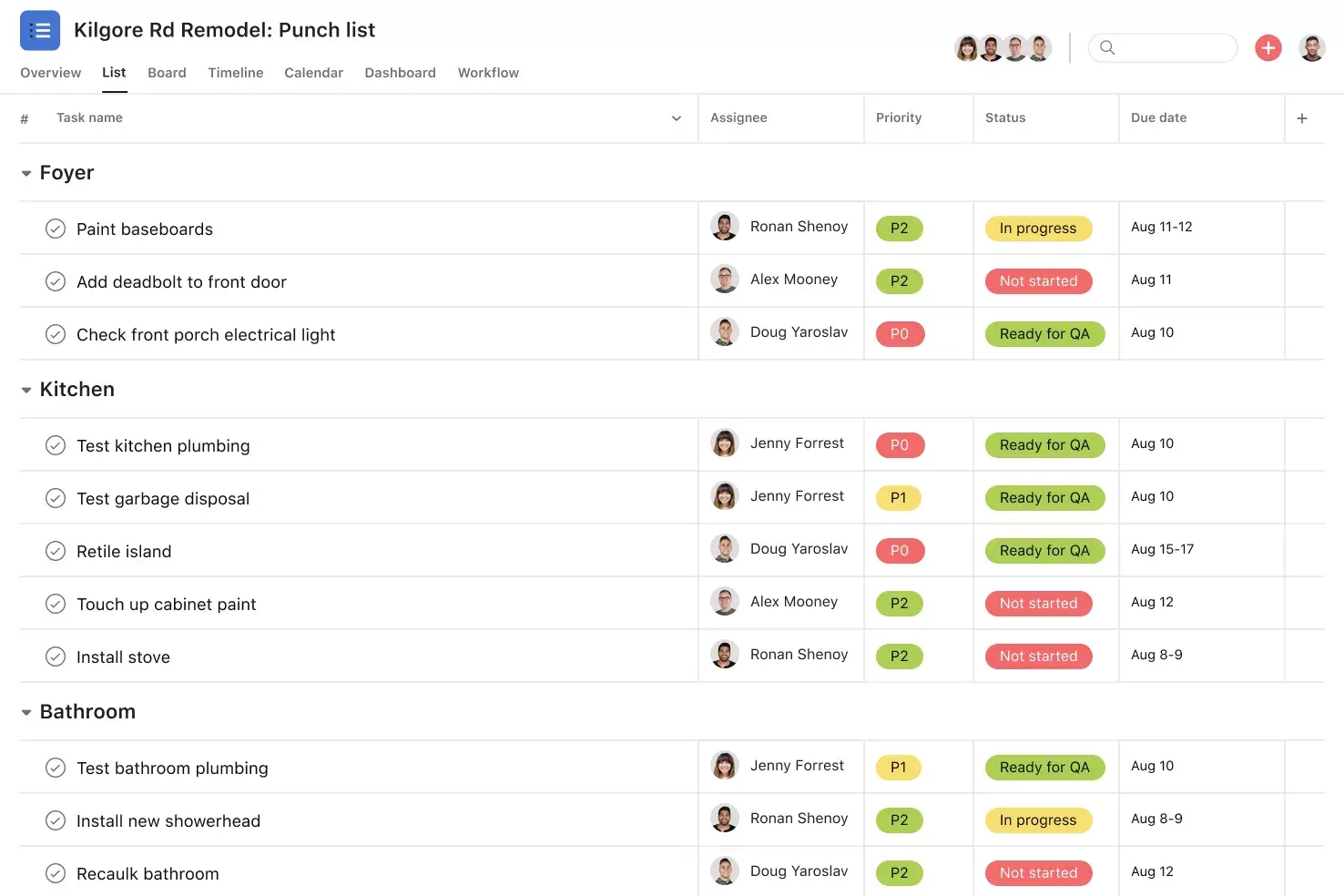
![[Product UI] Sales pipeline template in Asana, spreadsheet-style view (Lists)](https://assets.asana.biz/transform/f9ef4865-4d5a-4eb7-bc6e-d6e5d6d2869a/Inline-Lists-Sales-Pipeline-2x-jpg?io=transform:fill,width:2560&format=webp)
What is a sales pipeline template?
A sales pipeline template is a ready-made structure that helps you organize and track your sales opportunities as they move through each stage of your process. Rather than creating a tracking system from the ground up, a template gives you the main fields, stages, and views you need to manage your deals well.
With a template, everyone on your team can see the status of each opportunity, what needs to happen next, and which deals need attention. Whether you have just a few leads or many accounts, a sales pipeline organizes everything in one spot.
Benefits of using a sales pipeline template
A sales pipeline template gives your team a shared view of every deal so nothing gets missed. Here are the main benefits:
Full visibility into your pipeline. You can see every opportunity at a glance and know exactly where each deal stands. This helps you spot at-risk deals early and focus your efforts where they matter most.
More accurate forecasting. When your pipeline data is up to date, you can make more accurate revenue predictions and plan resources accordingly. A template makes pipeline forecasting part of your daily workflow rather than a separate exercise.
Consistent sales process. A template gives your team a shared structure, so everyone tracks opportunities the same way. This consistency helps new team members get up to speed faster and makes coaching simpler.
Fewer missed follow-ups. When your action items, notes, and next steps are stored with your pipeline data, nothing gets overlooked. You can handle sales prospecting and nurturing without jumping between different tools.
Better team alignment. A shared pipeline keeps everyone, from sales reps to managers, on the same page about priorities and progress. It also helps the whole team track revenue together.
Key stages of a sales pipeline
Every business has its own sales process, but most sales pipelines follow similar steps. Here are the stages you’ll usually want to include in your template:
Pipeline building
Lead generation: Bring in prospects through marketing, outreach, referrals, or events; the goal is to fill your pipeline
Lead qualification: Evaluate fit based on budget, need, and authority; the goal is to focus on the right leads
Engagement
First contact or meeting: Connect to understand challenges and position your solution; the goal is to build rapport and identify fit
Proposal: Present a tailored offer with pricing, scope, and timeline; the goal is to move the deal forward
Closing
Negotiation: Work through terms and objections; the goal is to reach an agreement
Closed deal: Convert the prospect into a customer and track outcomes; the goal is to learn from results
Retention
Post-sale: Onboard, follow up, and nurture the relationship; the goal is to build long-term customer relationships
Change these stages to fit your sales cycle. What matters most is that your team agrees on what each stage means and when to move an opportunity forward.
Tracking action items with our sales pipeline template
Managing your pipeline effectively isn't just about growing it; it's also about maintaining the opportunities that already exist. With our sales pipeline template, you can track account data, notes, and action items in one place. Use different views to zero in on new leads, top accounts, or at-risk opportunities.
Asana is flexible enough to help sales teams of all sizes build and grow their pipeline. Learn more about Asana for Sales and Account Management, or get started with these tips:
See your pipeline in different views. View our sales pipeline template in a List, Board, Calendar, or Timeline View. Use custom fields to include estimated opportunity value, lead status, and more. Then, filter every view by opportunity size, priority type, account owner, and beyond.
Track follow-ups and notes with tasks. Traditional CRMs can make it hard to track action items with the rest of your work. With Asana, you can store notes and track follow-ups, all in one place.
Automate processes to never miss another opportunity. Pair your sales pipeline with Asana Rules to automatically reassign tasks or update custom fields when certain triggers happen. For example, use Rules to add collaborators to a task when the lead status changes, or to update the priority status based on the estimated value.
Streamline work across your favorite business tools. Asana integrates with Salesforce so you can create a transparent intake process, remove bottlenecks, and create actionable tasks for all of your stakeholders. With Asana for Salesforce, you can automate crucial sales workflows so you never miss an important step.
Improve cross-functional collaboration. Sometimes it takes a village to move opportunities forward. Make cross-functional collaboration easier by adding other teammates you partner with to your sales pipeline management project.
How to customize your sales pipeline template
A template is only helpful if it matches how your team works. Asana makes it easy to adjust your pipeline to fit your process, industry, and goals:
Adjust your pipeline stages. Rename or add sections to reflect the stages your team actually uses. Whether you have a five-stage process or a longer cycle with multiple approval steps, you can structure your pipeline to match.
Add custom fields for the data that matters. Track details such as deal size, expected close date, lead source, priority level, and product line. Custom fields let you capture exactly the information your team needs to make decisions.
Create saved views for different roles. A sales manager might want to see the full pipeline sorted by deal value, while a rep might prefer a board view filtered to their accounts. Use saved views so each team member sees what's most relevant to them.
Set up Rules to automate repetitive tasks. Automatically reassign tasks when a deal moves to a new stage, notify a manager when a high-value opportunity is added, or update a custom field based on a trigger. Automation keeps your pipeline moving without extra manual work.
Connect your favorite tools. Bring in data from your CRM, communication tools, or reporting platforms to keep your pipeline connected to the rest of your workflow.
Build and grow your pipeline with Asana
Track your sales pipeline progress with flexible views, native integrations, and automated rules so you can not only manage current opportunities, but also grow new ones. Empower your sales team and get started with our sales pipeline template today, or get started with Asana to see how it works for your team.
Get free sales pipeline templateFAQs about sales pipeline templates
A sales pipeline is a visual representation of your sales process that lets you track every opportunity as it progresses through each stage. With a free sales pipeline template, you can see where every deal stands and share progress with stakeholders.
To calculate your sales pipeline, add up the estimated value of every active opportunity across all stages. Include data on won and lost deals as well so your team can forecast revenue more accurately.
Start with a sales pipeline template and track all prospective buyers in one project, using custom fields to note which stage each opportunity is in. Update the project regularly so it stays your team's central source of truth.
Keep your pipeline up to date so you don't miss important touch points or lose opportunities. Align your team on pipeline stages and run regular reviews to share prospecting tips and refine your process.
A sales pipeline typically moves through stages like prospecting, qualification, meeting, proposal, negotiation, and closed deal. Use a template with multiple views, such as list, board, or timeline, to visualize your pipeline in the way that works best for your team.
Related templates
![[Templates] Post-Sales Handoff (Card image)](https://assets.asana.biz/transform/f9fa4005-1bcf-43d0-b78a-55f8f84c3569/TG23-web-thumbnail-026-kickoff-meeting-static-2x?io=transform:fill,width:2560&format=webp)
![[Templates] Pre-Sales Deal Support (Card image)](https://assets.asana.biz/transform/387f7b65-031c-4b14-a9bf-02261d8f8029/TG23-web-thumbnail-021-call-log-static-2x?io=transform:fill,width:2560&format=webp)
![[Templates] Simple CRM (Card image)](https://assets.asana.biz/transform/680c5921-a7f6-4b0f-855e-89ceb6657207/uses-project-management-product-ui-list-accounts-en-1x?io=transform:fill,width:2560&format=webp)
![[Templates] Customer Implementation (Card image)](https://assets.asana.biz/transform/cfd847a5-e5cd-4323-bf07-40f7c1785619/article-business-strategy-organizational-change-2x?io=transform:fill,width:2560&format=webp)
Bigger pipelines, better relationships
Build and manage your sales pipelines with Asana.